PARTHNEX SCHOOL ERP MODULE

Timetable & Schedule Builder

AI-powered timetable generation with constraint satisfaction, substitute teacher allocation, room scheduling, and academic calendar management for Indian schools.

Request Free Demo View Pricing

Live Application Screenshots

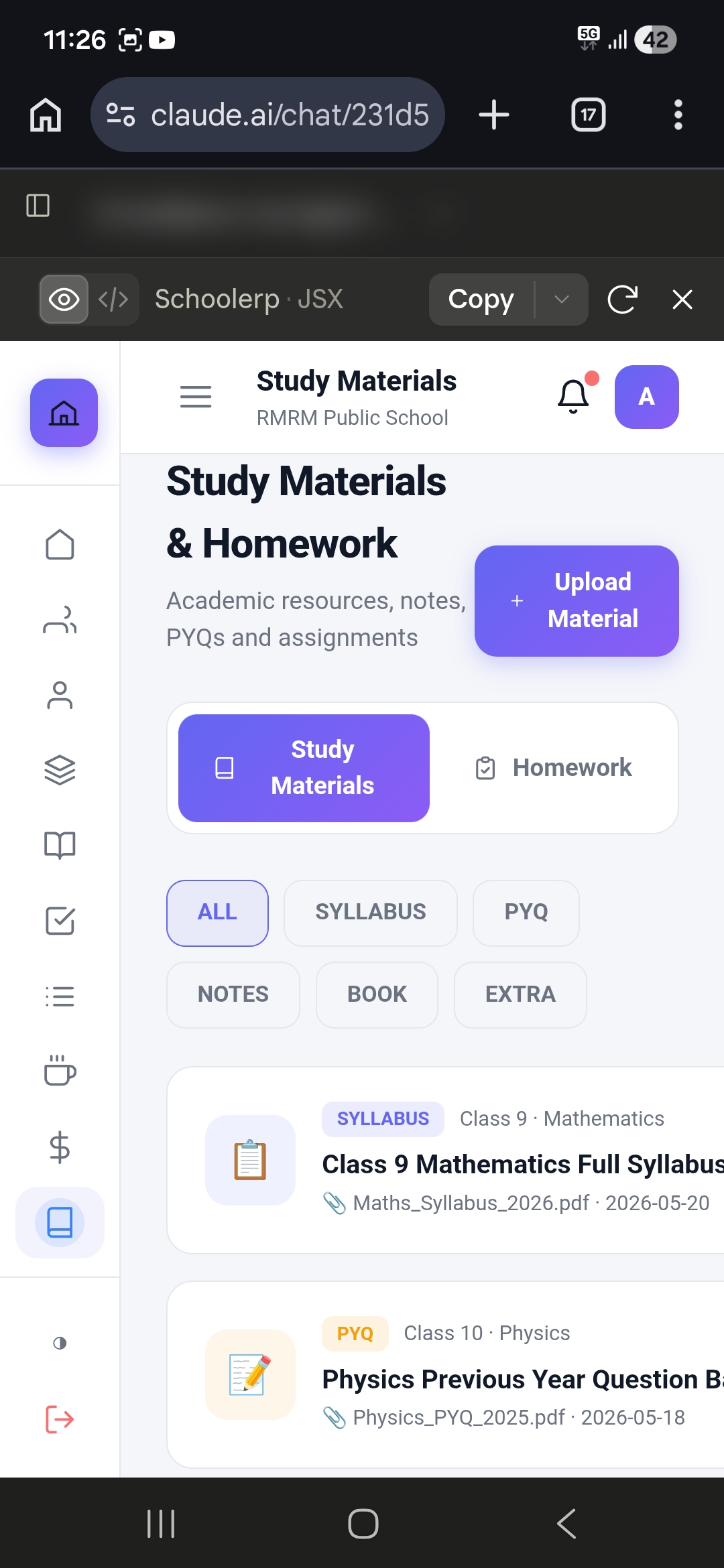
Timetable & Schedule Builder — Screen 1
Timetable & Schedule Builder — Interface View 1 Parthnex ERP Production Interface
LIVE UI
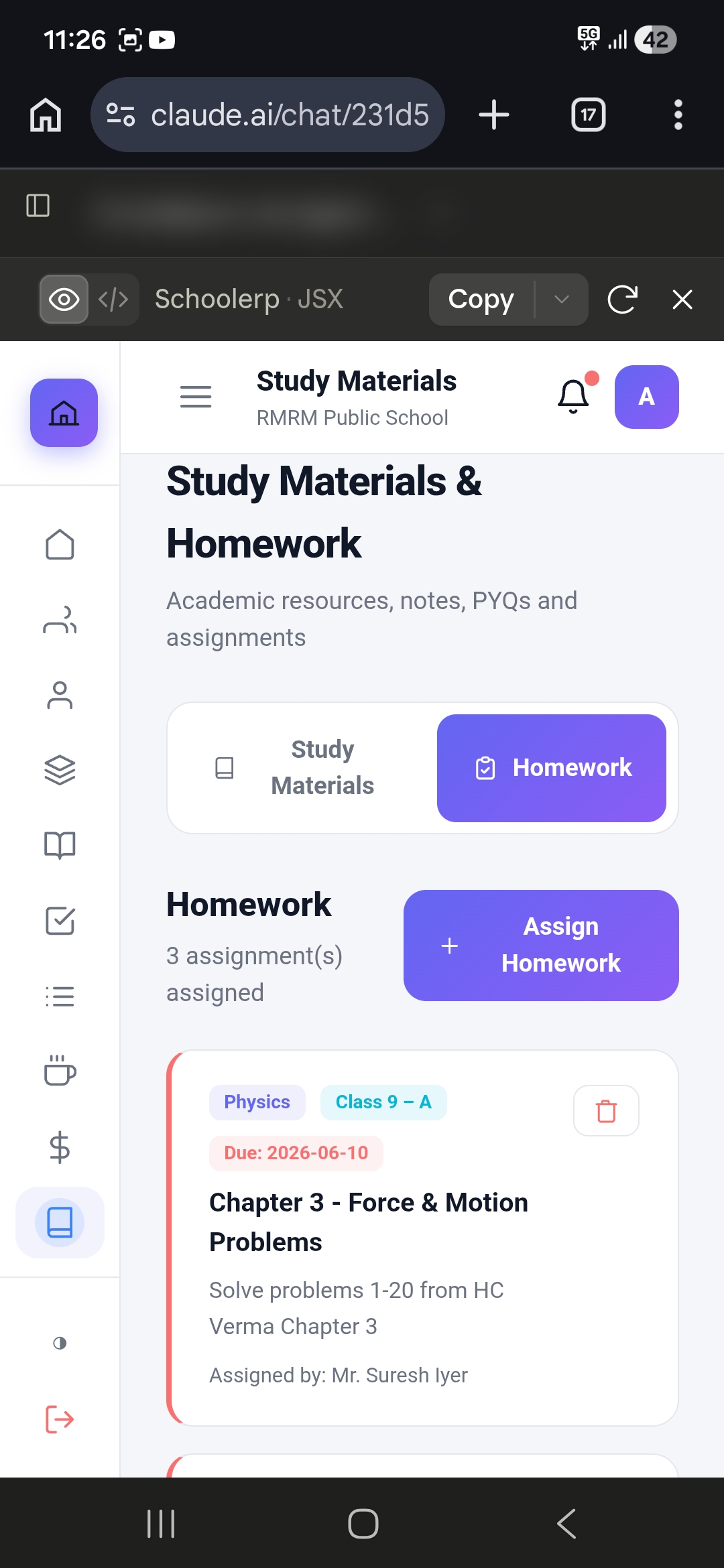
Timetable & Schedule Builder — Screen 2
Timetable & Schedule Builder — Interface View 2 Parthnex ERP Production Interface
LIVE UI
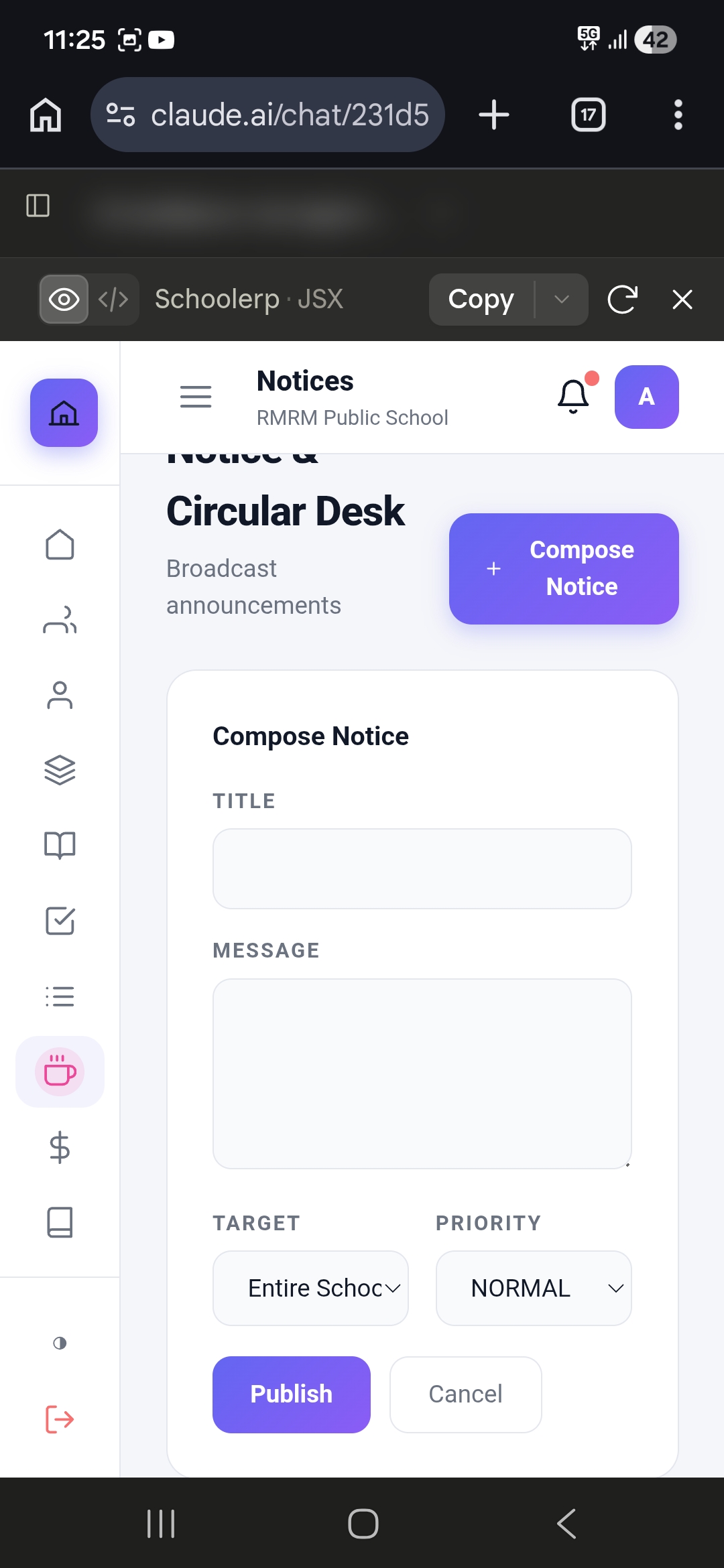
Timetable & Schedule Builder — Screen 3
Timetable & Schedule Builder — Interface View 3 Parthnex ERP Production Interface
LIVE UI
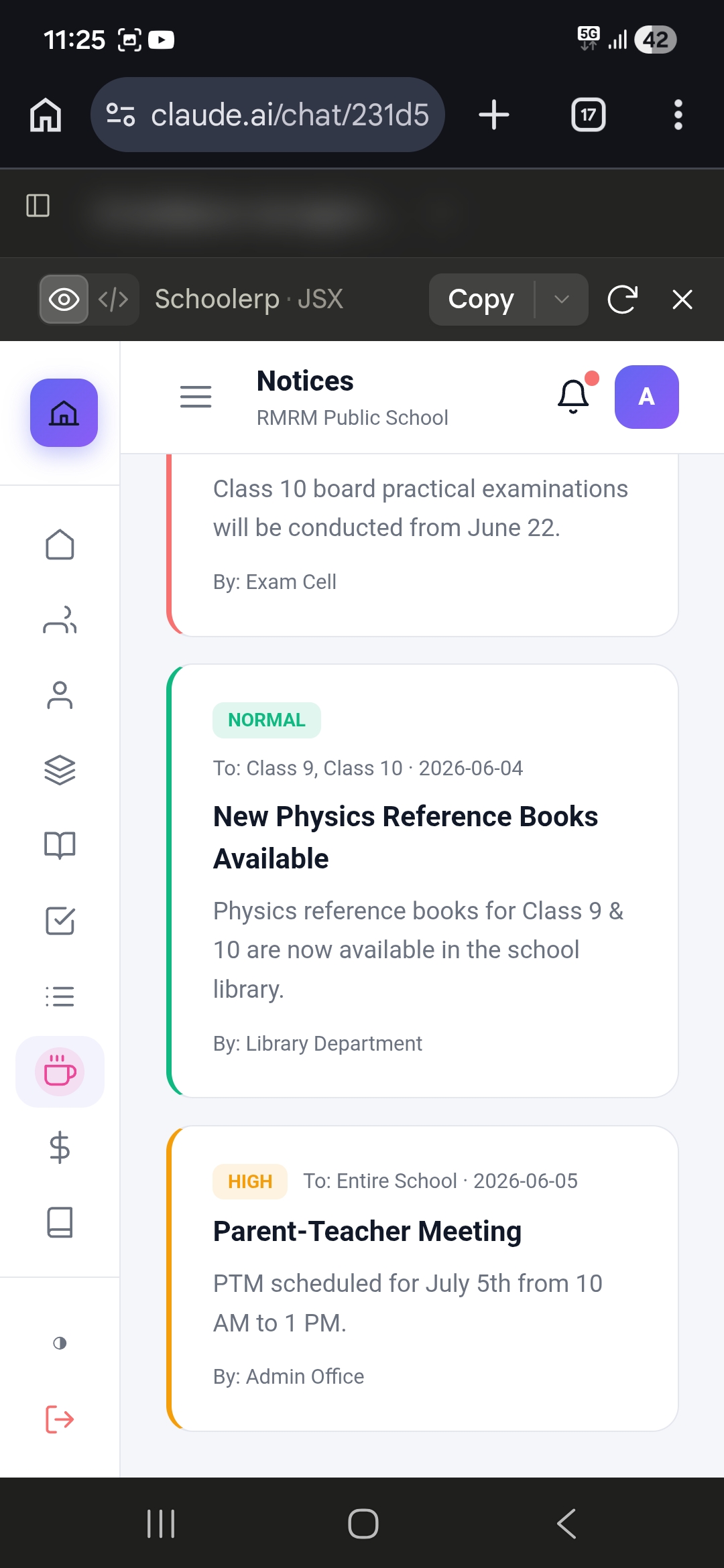
Timetable & Schedule Builder — Screen 4
Timetable & Schedule Builder — Interface View 4 Parthnex ERP Production Interface
LIVE UI

Operational Guide & Feature Specifications

Intelligent Scheduling for Optimal Resource Utilization

Creating a school timetable is one of the most complex scheduling challenges in education. It involves balancing teacher availability, subject requirements, classroom constraints, student load, co-curricular activities, and countless other variables. A single conflict — a teacher double-booked, a classroom assigned twice, or a subject missing from the schedule — can disrupt the entire academic week.

Parthnex Timetable Management System uses advanced algorithms to automate timetable generation while providing the flexibility for manual adjustments. It handles everything from regular class schedules and substitution management to examination timetables and special event scheduling — ensuring optimal resource utilization and zero conflicts.

In Indian schools, where constraints are particularly complex with multi-shift schools, shared laboratories, subject combinations for Classes 11-12, prayer and assembly periods, and remedial classes, an intelligent timetable system is indispensable.

Master Data Configuration

Subject Configuration includes subject name and code, subject type as theory, practical, lab, or co-curricular, periods per week requirement, preferred time slots like Mathematics in morning, avoid consecutive periods flag, lab requirement for specific room, and equipment requirement.

Teacher Configuration includes teacher name and subjects taught, maximum periods per day, maximum periods per week, preferred time slots, non-available periods for meetings and duties, class teacher assignment, and subject specialization priority.

Classroom Configuration includes room number and name, room type as classroom, lab, library, or hall, capacity, equipment available like smart board, projector, and lab equipment, floor location, and availability schedule.

Class and Section Configuration includes class like Class 9-A, 9-B, 9-C, number of sections, section strength, subject combinations for higher secondary, and stream as Science, Commerce, or Arts.

Auto-Timetable Generation

Algorithm Features include Constraint Satisfaction ensuring all hard constraints are met including no teacher assigned to two classes simultaneously, no classroom assigned to two classes simultaneously, required periods per subject fulfilled, teacher workload limits respected, and classroom capacity not exceeded. Optimization covers soft constraints including teacher preferred time slots, subject preferred time slots, minimal teacher idle time, balanced daily workload, consecutive period minimization, and lunch break placement.

Generation Process covers Input Validation verifying all master data is complete. Constraint Loading loads all hard and soft constraints. Initial Schedule generates initial feasible schedule. Optimization iteratively improves schedule quality. Conflict Detection identifies and resolves any remaining conflicts. Validation requires principal or VP review and approval. Publication publishes to all stakeholders.

Generation Time includes under 2 minutes for small school with 20 classes, under 5 minutes for medium school with 60 classes, and under 10 minutes for large school with 150 plus classes.

Manual Timetable Editing

Drag-and-Drop Interface includes visual timetable grid. Drag subjects to different slots. Real-time conflict detection uses red highlight for conflicts. Suggestion box shows alternative slots. Undo and redo functionality is supported. Bulk operations allow moving entire class schedule.

Conflict Resolution includes Automatic Suggestions where system suggests alternative slots that do not conflict. Swap Function allows swapping two periods with one click. Impact Analysis shows all affected teachers and classes when making changes. Approval Workflow requires principal approval for major changes.

Substitution Management

Automatic Substitution identifies all affected periods when a teacher is absent. It searches for available substitute teachers. It ranks substitutes by subject qualification match, current free periods, historical substitution count for load balancing, and teacher preference. It suggests optimal substitutes. It sends notification to substitute teacher. It updates timetable for the day.

Substitution Approval includes department head reviewing suggestions. Principal approves final substitutions. Substitute teacher accepts or declines. Auto-reassignment happens if declined.

Substitution Tracking includes substitution history per teacher. Substitution count is maintained for payroll adjustments. Substitute teacher performance feedback is collected. Monthly substitution summary report is generated.

Special Timetables

Examination Timetable includes separate exam schedule creation. Subject gap configuration is supported. Room allocation for exams and invigilator allocation are included. Date sheet generation is automatic.

Event Timetable covers special day schedules for sports day and annual day. Half-day schedules, exam preparation schedules, remedial class schedules, and workshop and seminar schedules are supported.

Multi-Shift Timetable includes morning shift schedule, afternoon shift schedule, evening shift schedule, shared resource management between shifts, and teacher cross-shift allocation.

Teacher and Student Views

Teacher Timetable includes personal daily and weekly timetable, class-wise breakdown, free period identification, substitution notifications, and mobile app access.

Student Timetable includes class-wise timetable, subject teacher details, room numbers, subject-wise weekly view, and mobile app access.

Parent View includes child's timetable via parent app, subject teacher contact details, and special schedule notifications.

Analytics and Optimization

Teacher Workload Analysis includes periods per day and week per teacher, subject distribution, free period analysis, overload identification, and underutilization identification.

Classroom Utilization includes room occupancy rate, peak usage times, underutilized rooms, and equipment usage tracking.

Schedule Quality Metrics include conflict count which should be zero, teacher satisfaction score, subject placement score, resource utilization score, and comparison with previous term.
Technical Architecture & Implementation Details

Overview

Creating a school timetable is one of the most complex scheduling challenges in education. It involves balancing teacher availability, subject requirements, classroom constraints, student load, co-curricular activities, and countless other variables. A single conflict — a teacher double-booked, a classroom assigned twice, or a subject missing from the schedule — can disrupt the entire academic week.

Parthnex Timetable Management System uses advanced algorithms to automate timetable generation while providing the flexibility for manual adjustments. It handles everything from regular class schedules and substitution management to examination timetables and special event scheduling — ensuring optimal resource utilization and zero conflicts.

In Indian schools, where constraints are particularly complex (multi-shift schools, shared laboratories, subject combinations for Classes 11-12, prayer/assembly periods, remedial classes), an intelligent timetable system is indispensable.

Key Capabilities

1. Master Data Configuration

Subject Configuration
  • Subject name and code
  • Subject type (theory, practical, lab, co-curricular)
  • Periods per week requirement
  • Preferred time slots (e.g., Mathematics in morning)
  • Avoid consecutive periods flag
  • Lab requirement (needs specific room)
  • Equipment requirement
Teacher Configuration
  • Teacher name and subjects taught
  • Maximum periods per day
  • Maximum periods per week
  • Preferred time slots
  • Non-available periods (meetings, duties)
  • Class teacher assignment
  • Subject specialization priority
Classroom Configuration
  • Room number and name
  • Room type (classroom, lab, library, hall)
  • Capacity
  • Equipment available (smart board, projector, lab equipment)
  • Floor location
  • Availability schedule
Class & Section Configuration
  • Class (e.g., Class 9-A, 9-B, 9-C)
  • Number of sections
  • Section strength
  • Subject combinations (for higher secondary)
  • Stream (Science/Commerce/Arts)

2. Auto-Timetable Generation

Algorithm Features
  • Constraint Satisfaction: Ensures all hard constraints are met:
  • No teacher assigned to two classes simultaneously
  • No classroom assigned to two classes simultaneously
  • Required periods per subject fulfilled
  • Teacher workload limits respected
  • Classroom capacity not exceeded
  • Optimization: Soft constraints optimized:
  • Teacher preferred time slots
  • Subject preferred time slots
  • Minimal teacher idle time
  • Balanced daily workload
  • Consecutive period minimization
  • Lunch break placement
Generation Process
  • Input Validation: Verify all master data is complete
  • Constraint Loading: Load all hard and soft constraints
  • Initial Schedule: Generate initial feasible schedule
  • Optimization: Iteratively improve schedule quality
  • Conflict Detection: Identify and resolve any remaining conflicts
  • Validation: Principal/VP reviews and approves
  • Publication: Publish to all stakeholders
Generation Time
  • Small school (20 classes): < 2 minutes
  • Medium school (60 classes): < 5 minutes
  • Large school (150+ classes): < 10 minutes

3. Manual Timetable Editing

Drag-and-Drop Interface
  • Visual timetable grid
  • Drag subjects to different slots
  • Real-time conflict detection (red highlight for conflicts)
  • Suggestion box for alternative slots
  • Undo/redo functionality
  • Bulk operations (move entire class schedule)
Conflict Resolution
  • Automatic Suggestions: System suggests alternative slots that don't conflict
  • Swap Function: Swap two periods with one click
  • Impact Analysis: Show all affected teachers/classes when making changes
  • Approval Workflow: Major changes require principal approval

4. Substitution Management

Automatic Substitution

When a teacher is absent, Parthnex automatically:

  • Identifies all affected periods
  • Searches for available substitute teachers
  • Ranks substitutes by:
  • Subject qualification match
  • Current free periods
  • Historical substitution count (load balancing)
  • Teacher preference
  • Suggests optimal substitutes
  • Sends notification to substitute teacher
  • Updates timetable for the day
Substitution Approval
  • Department head reviews suggestions
  • Principal approves final substitutions
  • Substitute teacher accepts/declines
  • Auto-reassignment if declined
Substitution Tracking
  • Substitution history per teacher
  • Substitution count for payroll adjustments
  • Substitute teacher performance feedback
  • Monthly substitution summary report

5. Special Timetables

Examination Timetable
  • Separate exam schedule creation
  • Subject gap configuration
  • Room allocation for exams
  • Invigilator allocation
  • Date sheet generation
Event Timetable
  • Special day schedules (sports day, annual day)
  • Half-day schedules
  • Exam preparation schedules
  • Remedial class schedules
  • Workshop/seminar schedules
Multi-Shift Timetable
  • Morning shift schedule
  • Afternoon shift schedule
  • Evening shift schedule
  • Shared resource management between shifts
  • Teacher cross-shift allocation

6. Teacher & Student Views

Teacher Timetable
  • Personal daily/weekly timetable
  • Class-wise breakdown
  • Free period identification
  • Substitution notifications
  • Mobile app access
Student Timetable
  • Class-wise timetable
  • Subject teacher details
  • Room numbers
  • Subject-wise weekly view
  • Mobile app access
Parent View
  • Child's timetable via parent app
  • Subject teacher contact details
  • Special schedule notifications

7. Analytics & Optimization

Teacher Workload Analysis
  • Periods per day/week per teacher
  • Subject distribution
  • Free period analysis
  • Overload identification
  • Underutilization identification
Classroom Utilization
  • Room occupancy rate
  • Peak usage times
  • Underutilized rooms
  • Equipment usage tracking
Schedule Quality Metrics
  • Conflict count (should be zero)
  • Teacher satisfaction score
  • Subject placement score
  • Resource utilization score
  • Comparison with previous term

Implementation Scenarios

Scenario 1: Large CBSE School (100+ sections)

Challenge: 150+ teachers, 100 sections, shared labs, complex subject combinations

Solution:

  • Auto-generated complete timetable in 8 minutes
  • Configured 12 lab rooms with equipment requirements
  • Set up substitution automation
  • Multi-shift support for senior classes

Result: Zero scheduling conflicts, 80% reduction in timetable preparation time, 95% teacher satisfaction

Scenario 2: Small School (12 sections)

Challenge: Limited teachers (15), multi-grade teaching, resource constraints

Solution:

  • Simplified auto-generation
  • Manual fine-tuning interface
  • Basic substitution management
  • Shared teacher allocation

Result: Timetable creation time reduced from 3 days to 30 minutes, optimal teacher utilization

👨‍👩‍👧 PARENT PORTAL

Related Modules

Teacher Portal

Explore the Teacher Portal module →

Exam Management

Explore the Exam Management module →

Attendance Engine

Explore the Attendance Engine module →

Ready to Transform Your School?

Join 2,500+ schools across India using Parthnex to streamline operations and improve outcomes.

Schedule a Free Demo